Posts in category: Wapkiz tutorials

How to customize the 404 error page on wapkiz and wapaxo.
For some reason we want to have a page to redirect users who access a broken or non-existent link, page or file on our blog or page. For this, the Wapkiz and wapaxo platform has...
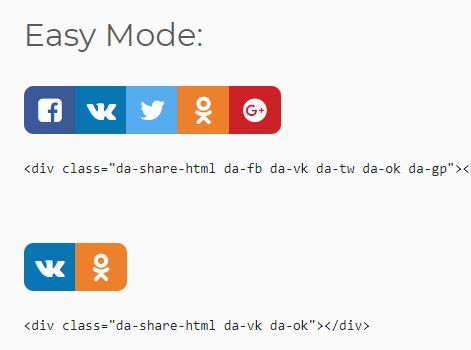
Free social sharing buttons for wapkiz and wapaxo websites. (da-share)
Hello. Would you like to put social sharing buttons on your wapkiz and wapaxo website? Here you have the solution, go to the tutorial. The da-share jQuery plugin makes it simple to generate pretty...
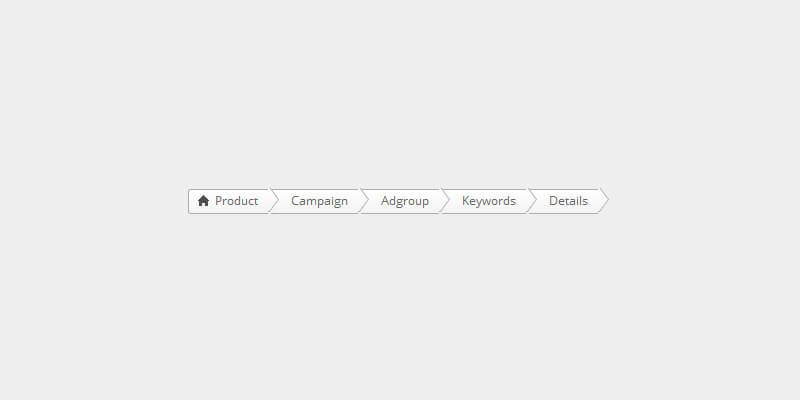
How to Insert BREADCRUMB in the file manager on the wapkiz and wapaxo website
Hello, any website must have a breadcrumb, much more so when it comes to reading blogs, so that the user does not get lost. But here we are going to talk about BREADCRUMB on the...

How to backup template on wapkiz and wapaxo?
It's normal that you have a theme and want to install it on your wapkiz site, but you want your current theme to be saved in case it doesn't work out, you...

How to show success message after commenting on wapkiz.
For those who have already commented on a post on this blog, they have already stopped with a success message after sending their comment.Today I'm going to teach you how to do this, let's go...

Using math operations on wapaxo and wapkiz.
To use mathematical operations in wapkiz we have the following code: Math operation The mathematical operations are:+ Addition- Subtraction* multiply/ DivisionWith these 4 operations we can do most mathematical operations.Examples: 100 +...

How to use IF condition on wapkiz and wapaxo websites
As a programming language, on wapkiz and wapaxo we have the option of using some predefined codes on the website. Today we are going to talk about the IF condition,...

How to insert logout button on wapaxo and wapkiz website
For those who have a site with a user system, it is necessary to have a button or link for the user to finish the section.Here we have 2 ways to do this, let's get...

How to block registration page on wapkiz and wapaxo.
All sites made on wapkiz and wapaxo have the functionality of a user system, where'' they can create profiles, login, etc. For this you need to have a page where'' you will register, which is...

How to add comments box in Wapkiz Files?
Comments serve for interaction between users leaving their point of view depending on a certain subject. On wapkiz, in addition to blogs, you can also add comments on file pages....